 You can make a search of particular
record in the list and proceed with uploading scanned documents and entering
taxation data.
You can make a search of particular
record in the list and proceed with uploading scanned documents and entering
taxation data.1. Click on menu “Submission” to open submission dashboard list (Figure 9).
2. System shows a list of documents which have scanning and taxation started and are assigned to this user.
3. You can make a search of particular
record in the list and proceed with uploading scanned documents and entering
taxation data.
4. You can also start a new public registration which is described in chapter 1 Start new public registration.
5. When the user creates particular record, it is automatically assigned to him. If you cannot finish document registration you can assign it to another user, or you can also remove the assignment from other user (3.2.5 Assign/remove assignment).
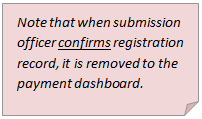
6. When submission officer confirms registration record, it is removed to the payment dashboard.
7. If submission officer rejects, requests for clarification or cancels the registration record, it is removed from the submission dashboard and can only be found and previewed in a Full View list (3.3 Full view).
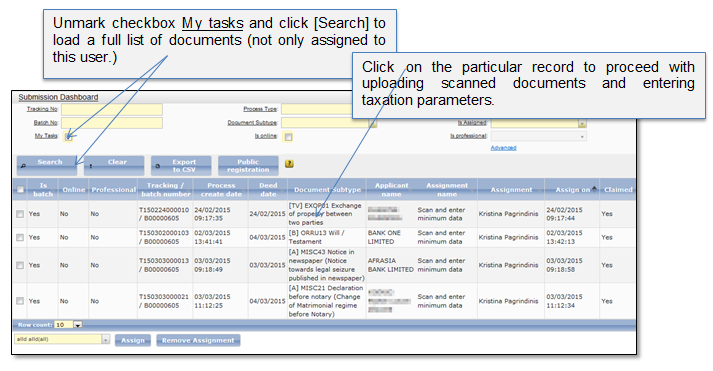
Figure 9 Submission dashboard