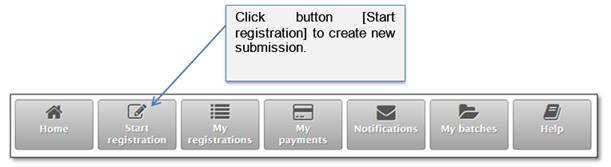
This chapter gives instructions how to create a submission entry for particular deed/document and enter document/deed data. To start a new registration, “Home” page must be opened.
Figure 17 Starting new online registration
When you click button [Start registration], new registration window is opened (Figure 18). When you enter data and click button [Save], submission entry is created:
•Unique tracking number is generated and assigned to the created submission entry.
•Creation date is saved.
•Submission gets in the Preparation step.
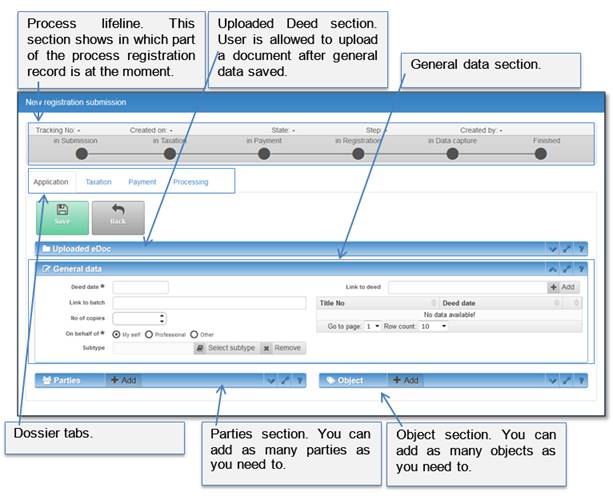
Figure 18 New registration submission window