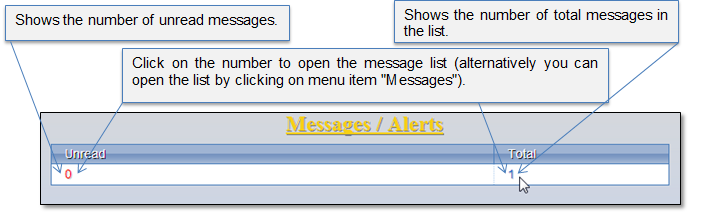
Message list is for the internal system announcements. Message summary is available in the system home page (Figure 41). In this picture you can see that there is 1 message in the list and 0 unread messages, which means that there is 1 message which is already reviewed by the user.
You can click on the message summary to open the message list, or alternatively, click menu item "Messages" to open the list (Figure 43).
Figure 41 Message summary
Each time you receive a new message, the pop-up window appears in the system informing about the message.
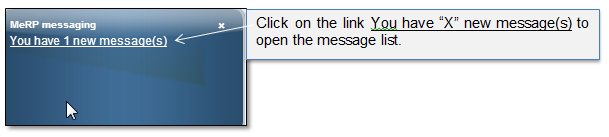
Figure 42 Pop-up informing about new message
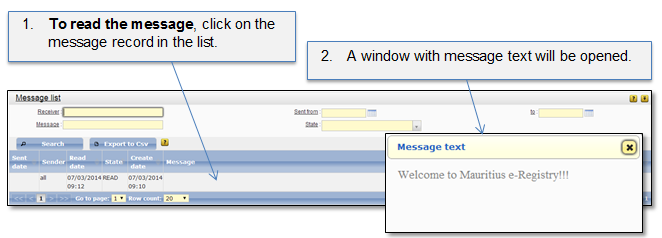
Figure 43 Message list