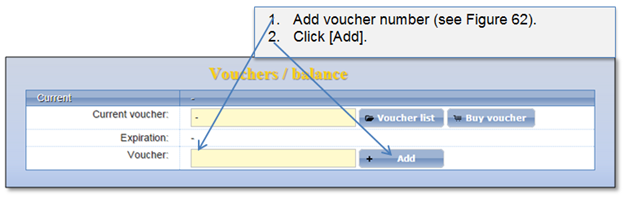
When the public user pays for the Information services voucher and receives the receipt slip with the voucher number, he can add voucher to his account voucher list. Public user can add as many vouchers as required. E.g. if public user purchases 5 public search vouchers, he can add all vouchers to the voucher list. The vouchers will turn in to state “Added”. Note that voucher validity period is not counting while the voucher is not activated. Voucher can be added in two ways:
1. At “Home” page.
Figure 63 Add voucher at home page
2. At “User account” menu.
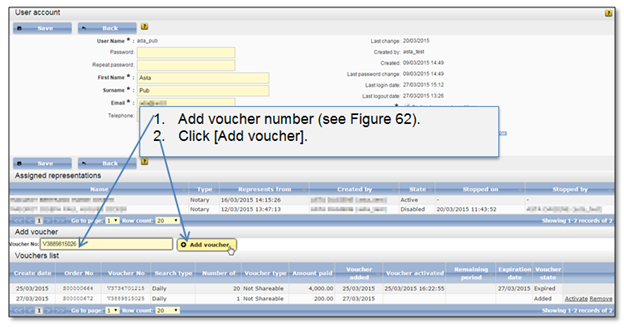
Figure 64 Add voucher at user account page